
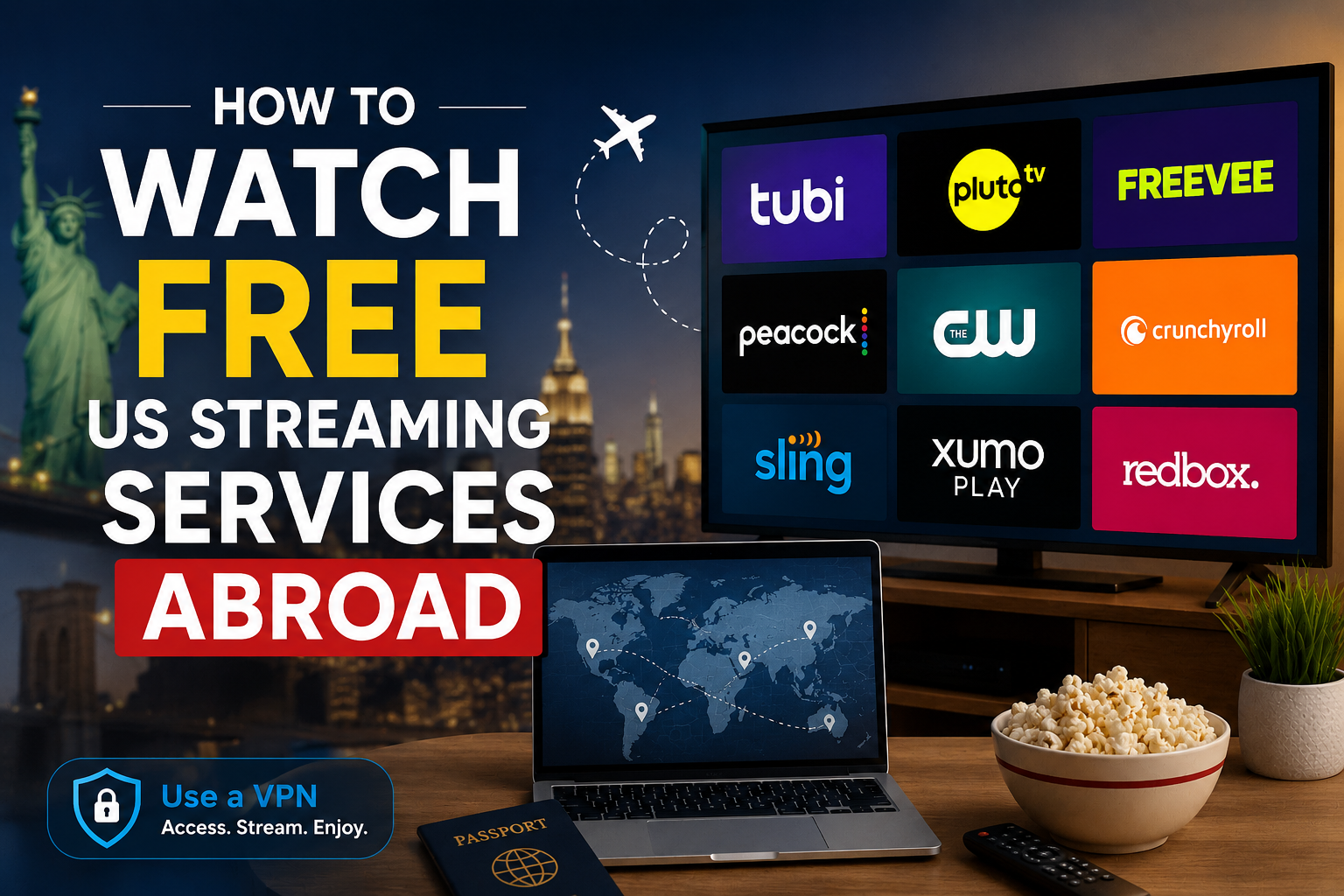
If you want to watch free US streaming services abroad like Tubi, Pluto TV, or Amazon Freevee while traveling or living outside the United States, geo-blocks can often restrict your access. Due to licensing agreements, most free ad-supported streaming television (FAST) services implement geo-blocks that restrict access outside the US.
In this step-by-step guide, we’ll show you exactly how to bypass these geo-restrictions safely, legally, and easily using a VPN.
Table of Contents
Quick Summary: How to Stream US Free TV Abroad
- Choose a Reliable VPN: Pick a provider with fast, optimized US servers (e.g., ExpressVPN, NordVPN, or Surfshark).
- Install the App: Download the VPN application onto your preferred streaming device (PC, phone, Smart TV, or Apple TV).
- Connect to a US Server: Select a high-speed server location in the United States (like New York, Los Angeles, or Chicago).
- Clear Browser/App Cache: Clear cookies or cache to remove any stored location data.
- Start Streaming: Open Tubi, Pluto TV, or Freevee and enjoy free movies and TV shows!
1. Top Free US Streaming Services Worth Accessing
Before diving into the setup, here are the top free platforms you can unlock once connected to a US IP address:
- Tubi TV: Packed with thousands of movies, cult classics, indie thrillers, and TV series—no account required.
- Pluto TV: Features hundreds of live linear channels (news, crime, classic sitcoms) plus an extensive on-demand library.
- Amazon Freevee: Offers premium original series, blockbuster movies, and live channels powered by Amazon.
- Roku Channel: Free movies, live news, and Roku Originals accessible via browser or app.
2. How to Watch Free US Streaming Services Abroad: Step-by-Step Guide
Step 1: Subscribe to a Streaming-Friendly VPN
Free VPNs often fail to unblock free streaming platforms because their server IP ranges are easily detected and blacklisted. For smooth HD streaming without buffering, choose a premium VPN that offers dedicated streaming servers.
Step 2: Set Up the VPN on Your Device
- Desktop/Laptop: Download the native Windows or macOS app, install it, and log in.
- Smartphones & Tablets: Grab the VPN app directly from the iOS App Store or Google Play Store.
- Streaming Devices (Apple TV, Firestick, Android TV): Search for your VPN app in the device’s built-in app store and sign in.
Step 3: Connect to a Fast US Server
Open your VPN application and open the server location list. Choose a US server location close to your actual physical region (for example, choose US East Coast if you are in Europe) to minimize latency and maintain top download speeds.
Step 4: Clear Cache or Use Incognito Mode
If you previously visited Tubi or Pluto TV without a VPN, your browser or device might still store cache/cookies tagging your location.
- On desktop, launch a private/incognito window or clear browser cache.
- On mobile/Smart TV apps, force stop the streaming app and clear its data/cache in settings.
Step 5: Launch & Enjoy
Head to the service website or app. You should now have full access to the US library as if you were sitting on your couch in the United States!
By following this setup, you can easily watch free US streaming services abroad without encountering regional blocks or playback issues.
3. Common Troubleshooting Tips
- Streaming Error/Blocked Content: Disconnect from the VPN, select a different US city/server location, and refresh the page.
- Buffering or Low Quality: Switch your VPN protocol (e.g., to Lightway or WireGuard) or connect to a less crowded server location.
- Device Doesn’t Support VPN Apps? If using a older Smart TV or game console, set up the VPN on your Wi-Fi router or configure SmartDNS provided by your VPN provider.
FAQ
Q1: Can I watch free US streaming services like Tubi and Pluto TV outside the US?
A: Yes, you can watch free US streaming platforms like Tubi, Pluto TV, Amazon Freevee, and The Roku Channel abroad by using a VPN. Connecting to a US VPN server assigns you an American IP address, bypassing geo-restrictions.
Q2: Is it legal to use a VPN to watch US streaming services abroad?
A: Using a VPN is legal in most countries. While bypassing geo-blocks may breach a streaming platform’s terms of service, it is not illegal to use a VPN to maintain access to US content while traveling.
Q3: Why is Tubi or Pluto TV blocking my VPN?
A: Streaming services detect and block known VPN IP ranges to uphold licensing agreements. If you get a streaming error:
- Clear your browser’s cache and cookies.
- Reconnect to a different US city/server inside your VPN app.
- Switch your VPN protocol (e.g., to WireGuard or Lightway).
Q4: Do free VPNs work for streaming US TV abroad?
A: Most completely free VPNs fail to unblock platforms like Tubi or Freevee because their limited IP addresses are quickly blacklisted. Free VPNs also enforce strict bandwidth limits and slow speeds, resulting in heavy buffering.
Q5: Is it safe to watch free US streaming services abroad using a VPN?
A: Yes, it is completely safe to watch free US streaming services abroad with a reputable VPN, as premium VPN providers use end-to-end encryption to protect your privacy and security online.
Final Thoughts
Streaming free US movies and TV shows abroad doesn’t have to be complicated. By routing your internet traffic through a reliable US server, you can enjoy thousands of titles on platforms like Tubi and Pluto TV completely hassle-free!